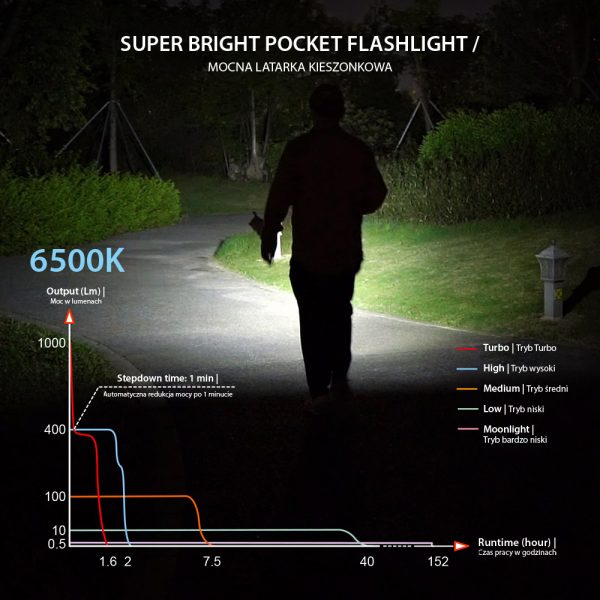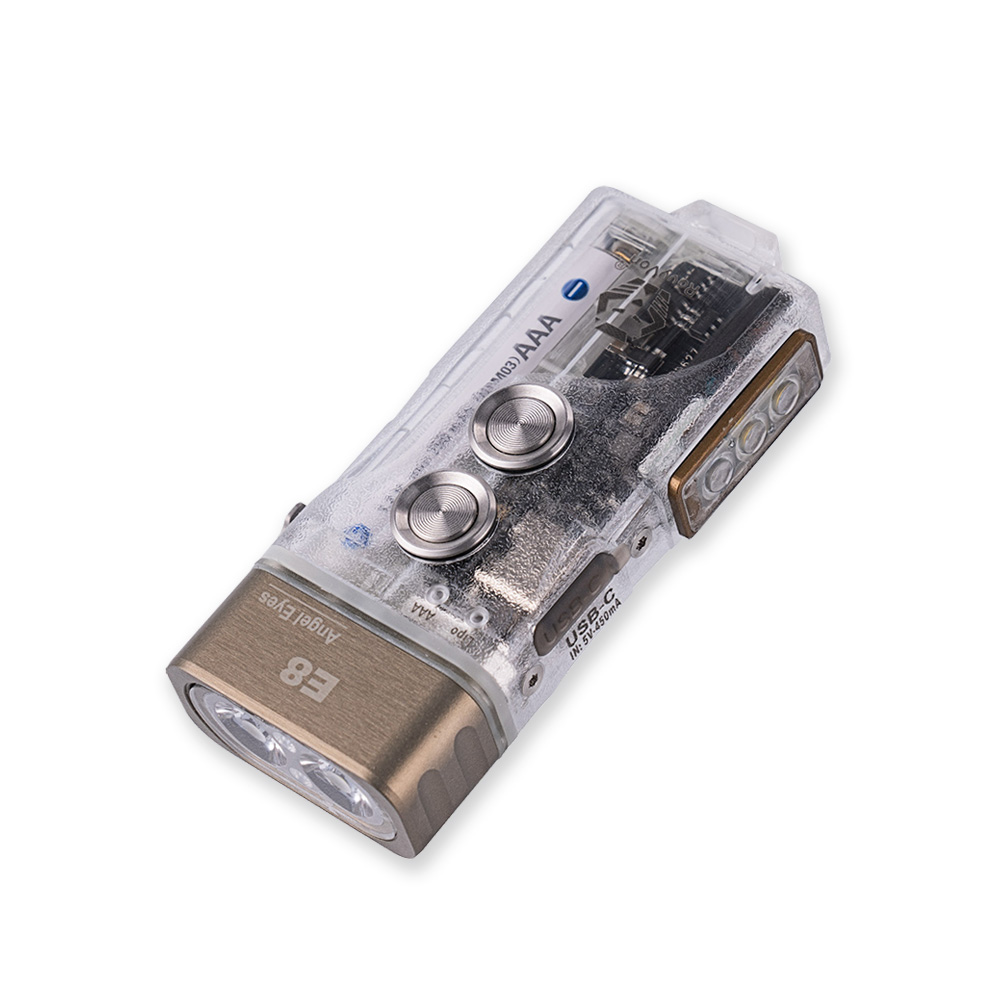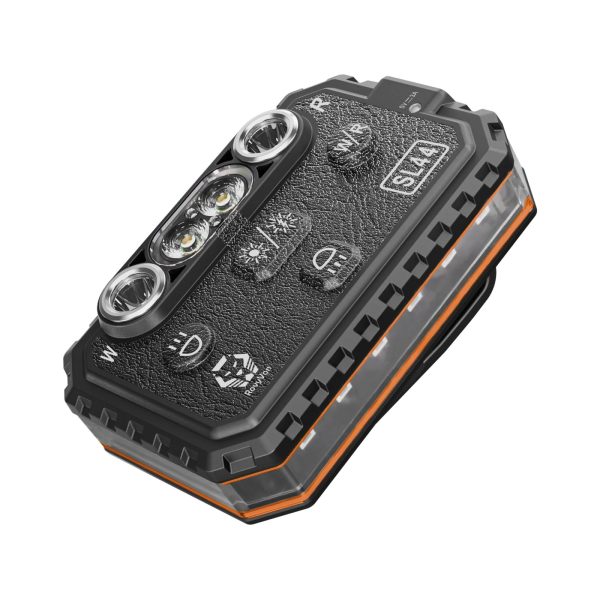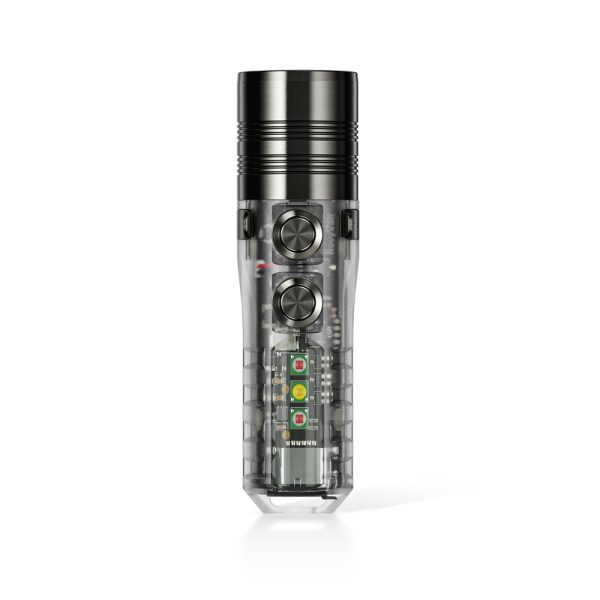
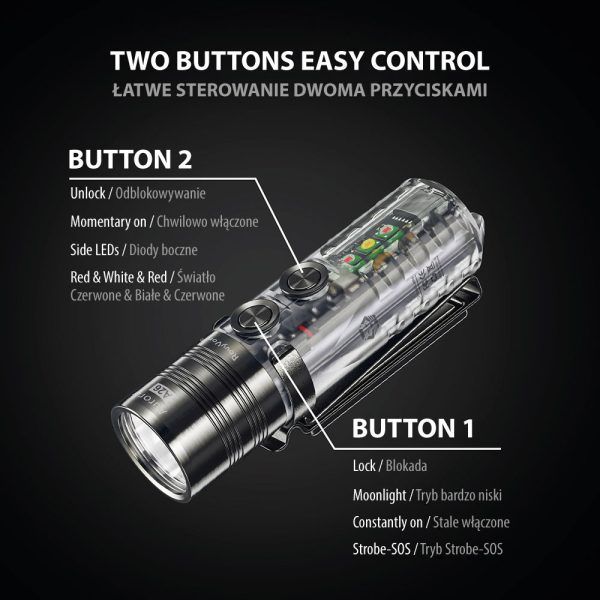
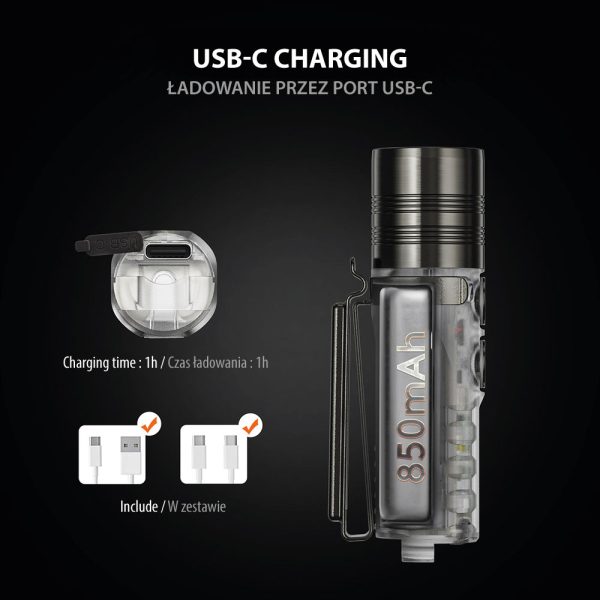
Description The Aurora A26 is the first thrower flashlight among the Aurora EDC flashlight series. Thanks to a deep smooth reflector, it has a focused beam compared to the other Aurora EDC flashlights like the Aurora A28 (G2), therefore, it has a longer beam distance of up to 180 meters (turbo mode). It uses a cool white LED as the primary front light that could boost up to 600 lumens on turbo mode. On the side, it has three aux LEDs – 4000K warm white reading light, 365nm UV black light, and 625nm red light for protecting night vision and as signal light in an emergency. Another point that it’s different from the Aurora A28 (G2) is that the A26 has a different surface treatment on the light head and the two-way pocket clip. It’s PVD space grey color, a unified color on the metal elements makes it outstanding and elegant. User Interface Button 1 (For front light) 1. Lock: with the light switched off, a long press for 5s to lock, and the front light will flash twice. *The operation below is under unlock status (check Button 2) 2. Moon: with the light switched off, click to turn on, then click again to turn off. 3. Constantly on (daily modes): rapid double click to turn on (memorized mode) (1) Change modes: click to cycle thru Low-Med-High-Turbo (2) Turn off: press 0.5s *The last-used mode will be memorized after the light was turned off. 4. Emergency modes: rapid triple click to turn on from Strobe mode (1) Change modes: click to cycle thru Strobe-SOS (2) Turn off: press for 0.5s Button 2 (for momentary on & Side LEDs) 1. Unlock: with the light locked, long press for 3s to unlock, and the FRONT LIGHT will flash 3 times. 2. Momentary on: with the light switched off, press and hold for Turbo mode of the FRONT LED, and release to turn off. 3. Side LEDs Red/White/Red (1) White A. Turn on: with the light switched off, single click B. Change modes: then click to cycle thru Low-High (2) Red I. Constant on a) Turn on: rapid double click to turn on from Low mode b) Change modes: click to cycle thru Low-High II. Signal a) Turn on: rapid triple click to turn on from Beacon b) Change modes: click to cycle thru Beacon-Flash (3) Turn off: press for 0.5s Parameters Front LED: 6500K cool white Battery capacity: 850mAh (charged via USB-C port) Size: 76mm (Length) x 21.5mm (Diameter); Weight: 50.2g/1.77oz Material: 1) Stainless steel (Light head, clip, and switches); 2) Polycarbonate (Body) Accessories: User manual, warranty card, Pocket clip, USB C-A cable, Charging port cover, Keyring, O-ring